
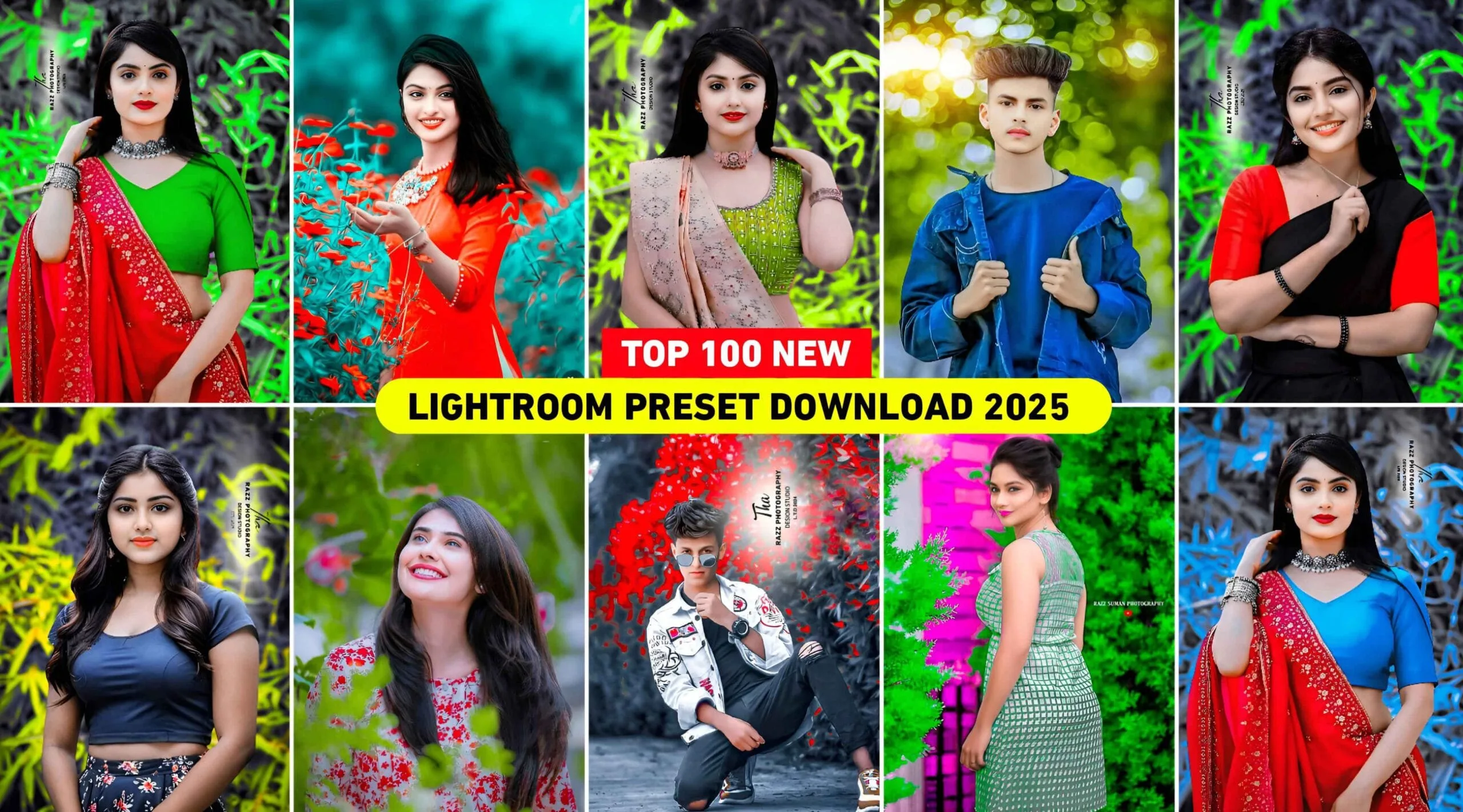
Hey guys, welcome back to my blog. Do you want to make your photos look beautiful and professional without spending hours editing? Then you must try Lightroom XMP presets. These ready-made filters can change your photo’s look with just one click.
In this blog, we will talk about:
- What are Lightroom presets?
- How to use Lightroom XMP presets?
- Why they are useful for beginners and pro editors
- And finally, how you can download 100+ free XMP presets for free.
This guide is perfect for photographers, editors, Instagram users, and anyone who wants to improve their photo editing skills, especially in Pakistan and India, where mobile editing is very popular.

✅ What is Lightroom Presets?
Lightroom presets are pre-made editing settings that you can apply to your photos in Adobe Lightroom. Think of them like filters, but more powerful.
When you use a preset, it changes things like:
- Brightness
- Contrast
- Colors
- Shadows
- Tones
- Effects
These changes happen instantly with just one click, so you don’t have to adjust everything manually.
There are two main types of presets:
- DNG Presets – Used in the mobile version of Lightroom.
- XMP Presets – Used in the desktop version of Lightroom (and also supported in some mobile apps that use XMP files).
In this article, we are focusing on XMP presets, which give high-quality results.
✅ How to Use Lightroom XMP Presets?
Using XMP presets is very simple. Just follow these steps:
🔹 For Desktop Lightroom (Classic or CC):
- Open Lightroom on your computer.
- Go to the Develop tab.
- On the left panel, right-click on Presets and click Import.
- Choose the XMP files from your folder.
- Your presets will appear in the list. Click any preset to apply it to your photo.
🔹 For Mobile (using apps that support XMP like Lr mod or 3rd party apps):
- Install an app that supports XMP files.
- Import the preset into the app.
- Open your photo and apply the preset.
That’s it! Now you can edit like a pro without any editing knowledge.
🎨 Why Use XMP Presets?
There are many reasons why you should use XMP presets, especially if you’re editing photos for:
- YouTube thumbnails
- Wedding and event photography
- Professional photo shoots
Here’s why XMP presets are so helpful:
✔️ Save Time
No need to adjust settings one by one. Just one click and your photo is ready.
✔️ Look Professional
Many famous photographers use presets. You can also achieve high-quality looks easily.
✔️ Beginner Friendly
Even if you’re new to photo editing, presets make your work easy and clean.
✔️ Mobile-Friendly
Some apps now support XMP files, so you can use these presets even on your mobile phone.
🌟 Top 100+ Free Lightroom XMP Presets – Free Download
You can now download 100+ Lightroom XMP presets for free. These presets cover many styles like:
- Cinematic look
- Moody tones
- Black & white
- Warm tones
- Dark theme
- Pastel colors
- Teal & orange
- Portrait enhancement
- Landscape boosting
- Travel and nature style
These presets are perfect for:
- Portrait photographers
- Travel bloggers
- Instagram influencers
- YouTubers
- Fashion shoots
- Product photography
And the best part? They work on both Windows and Mac, and some are even supported on Android and iOS Lightroom apps that allow XMP files.
💡 Tips Before Using Presets
- Use RAW photos: XMP presets work best on RAW images.
- Adjust slightly if needed: Sometimes your photo needs a small adjustment after applying the preset (like brightness or contrast).
- Use the right preset: Some presets are made for bright photos, some for dark. Try different presets and see what works best.
- Don’t over-edit: Keep it natural. Too many effects can ruin the photo.
✅ Conclusion
Lightroom XMP presets are a powerful and easy way to edit your photos like a professional. If you are from India or Pakistan and want to improve your Instagram, YouTube, or photography game, these presets are the best solution for you.
With more than 100 free XMP presets available, you can try many different styles and find your perfect editing look without paying anything.
So don’t wait—download the presets and take your photo editing to the next level!
❓FAQs
Q1: Are Lightroom XMP presets free to use?
Yes, many XMP presets are available for free. You can download and use them in Lightroom without any cost.
Q2: Can I use XMP presets on mobile?
Yes, if your mobile app supports XMP files (like Lightroom mod or third-party apps), you can use them easily.
Q3: Will these presets work on all photos?
Most presets work well, but you might need to make small adjustments depending on your photo’s lighting and colors.

Expert tech creator and best photo and video editor since 2018.
I think, what is it — a serious error.
Bhai mujhe bhai mujhe sikha do yaar
kya?
Thanks
this file is encrypted and I cant use it. Can you tell me the password for the file?
1255
This piece is a perfect blend of intellect and heart. The ideas you present are complex, but you navigate them with such ease that it feels like you’re inviting the reader to walk alongside you, step by step, through a maze of thought and emotion. It’s the kind of writing that challenges you and comforts you all at once.
Well, and what further?
——
greece virtual number