
Photo editing is now a big part of social media, photography, and even online business. Everyone wants their pictures to look beautiful and professional. But not everyone knows how to edit photos like a pro. This is where Lightroom presets help.
Lightroom presets are one-click photo filters that make your editing easy and fast. Whether you are a beginner or an expert, presets can help you get the perfect look in just seconds. In this article, you will learn what Lightroom presets are, why they are useful, how to install them, and where to download Top 250 Lightroom Presets for free.
What Are Lightroom Presets?
Lightroom presets are ready-made settings for the Adobe Lightroom app. When you apply a preset to a photo, it automatically changes things like brightness, contrast, colors, shadows, and more. Instead of editing each photo manually, you can just apply a preset and get a professional look in one click.
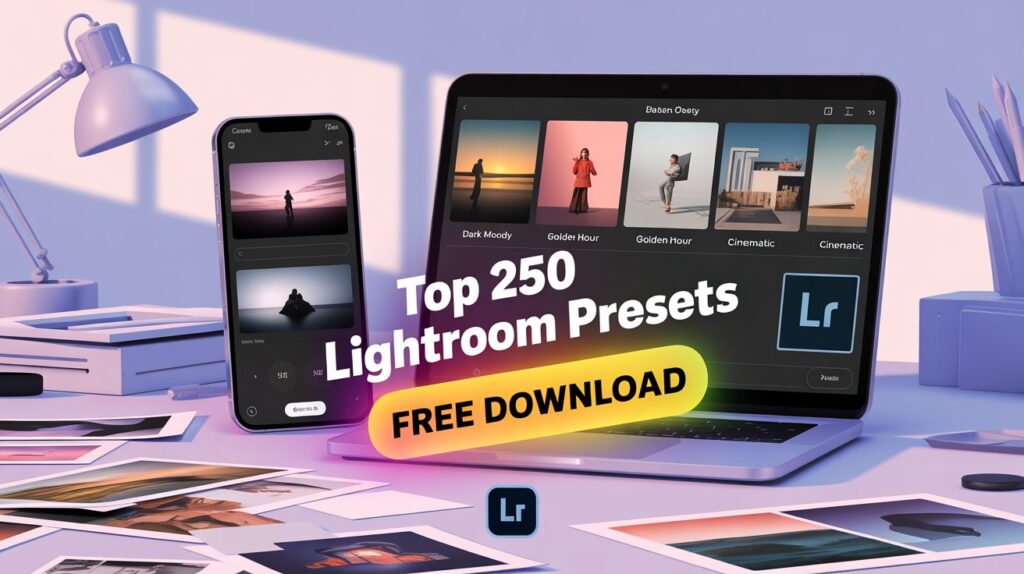
There are many types of presets available. Some are made for dark tones, some for bright and airy looks, and others for special styles like vintage, cinematic, or black and white.
Examples of Lightroom Preset Styles:
- Moody look
- Nature green tone
- Travel and beach style
- Warm orange tone
- Dark street photography
- Fashion blogger style
- Mobile photography filters
Using presets saves time and gives your photos a similar look, which is great for Instagram and photo albums.
Why Use Lightroom Presets?
There are many benefits of using Lightroom presets, especially if you want to make your photos look good without wasting time.
1. One-Click Editing
Presets are easy to use. Just click and apply. No need to adjust each setting yourself. This makes editing fast and fun.
2. Professional Results
Even if you are not a pro editor, you can make your pictures look like they were edited by a professional.
3. Consistent Look
Using the same preset on all your photos makes them look consistent. This is great for building a brand or theme on your social media.
4. Save Time
You don’t have to spend hours editing each photo. Presets make the process much faster.
5. Learn Editing Techniques
When you use presets, you can also see which settings were used. This helps you learn how editing works in Lightroom.
Top 250 Lightroom Presets Free Download
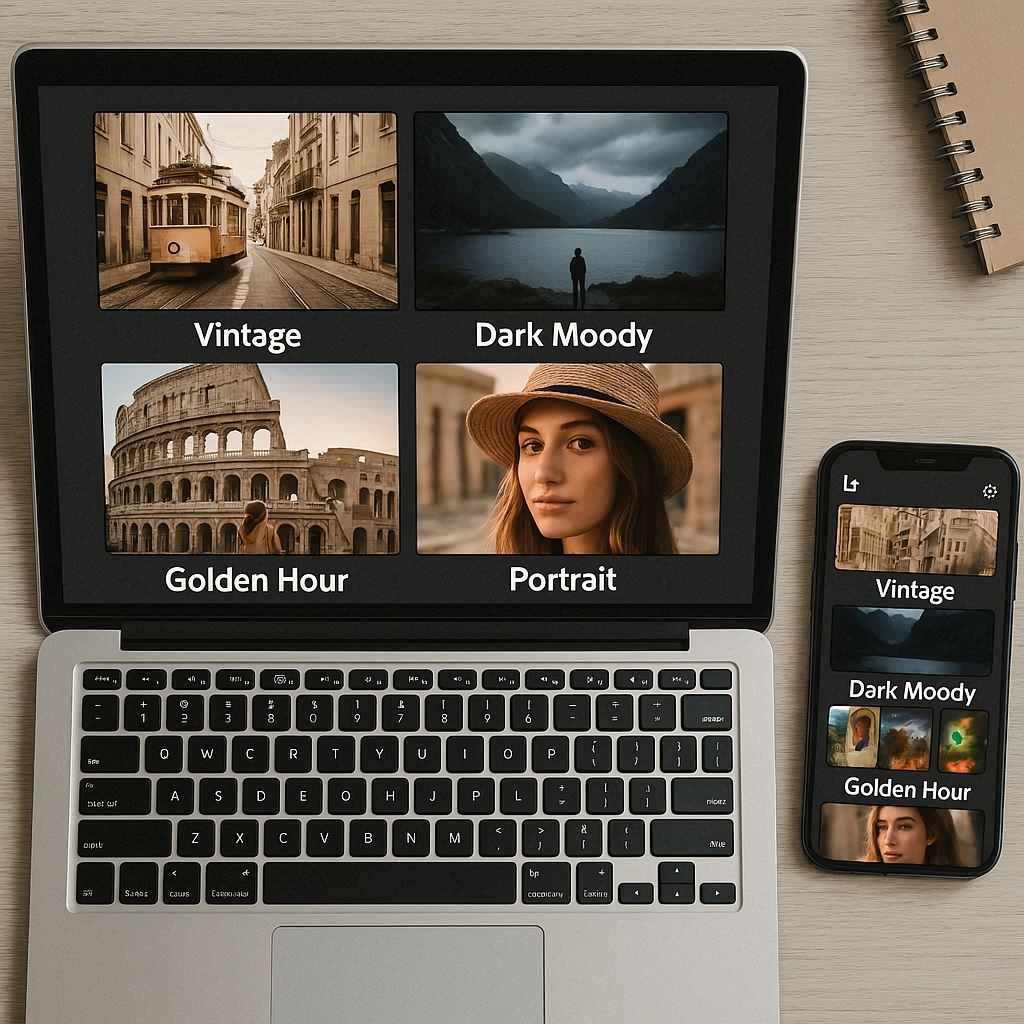
We have selected 250 high-quality Lightroom presets that you can download for free. These presets work with Lightroom Mobile and Lightroom Desktop, and they are available in both .DNG (for mobile) and .XMP (for desktop) formats.
What’s Included in This Collection?
- Travel presets
- Portrait presets
- Cinematic look
- Nature tones
- Blogger & influencer filters
- Black & white presets
- Sunset and golden hour tones
- Clean and minimal looks
- HDR and detailed effects
- Fashion and street style filters
You can mix and match them to get the perfect look for your photos.
How to Install Lightroom Presets?
Installing Lightroom presets is very easy, whether you are using mobile or a desktop. Here’s a quick guide:
For Lightroom Mobile (.DNG format):
- Download the DNG preset files to your phone.
- Open the Lightroom app.
- Tap the “+” icon to add new photos and choose the DNG file.
- Open the DNG image in Lightroom.
- Tap the three dots (…) in the top right corner.
- Select “Create Preset”.
- Give your preset a name and save it.
- Now you can apply it to any photo from the Presets tab.
For Lightroom Desktop (.XMP format):
- Open Lightroom on your computer.
- Go to the Develop tab.
- On the left side, find the Presets panel.
- Right-click and select “Import Presets”.
- Choose the .XMP files from your folder and click Import.
- Now the presets will appear in your list.
Once installed, just open any photo and apply the preset with one click.
Tips for Using Lightroom Presets
- Always use high-quality images for better results.
- After applying a preset, you can still adjust settings like exposure or contrast to match your photo perfectly.
- Use natural light when taking pictures for better editing results.
- Try different presets to find the best one for your photo.
Conclusion
Lightroom presets are a powerful and easy tool to edit your photos with style. You don’t need to be an expert to use them. With one click, you can change the entire mood of your photo.
This collection of Top 250 Lightroom Presets Free Download is perfect for beginners and advanced users. You can use them for travel photos, selfies, fashion shoots, nature images, or even product photography.
Install them easily on your mobile or desktop and enjoy editing like a pro. Make your photos stand out and save time with these amazing free presets.

Expert tech creator and best photo and video editor since 2018.