

Creating Passport Size Photos at home is now very easy. You don’t need to go to a photo studio or spend money on expensive editing software. With the help of free online tools, you can make passport-size images in just a few minutes using your mobile or computer. These websites are simple to use and save you time and money.
In this article, we will share the top 3 free websites to create passport-size photos at home. Whether you need it for official documents, ID cards, visas, or job applications, these tools will help you get a professional photo without leaving your home.
Why Make Passport Photos at Home?
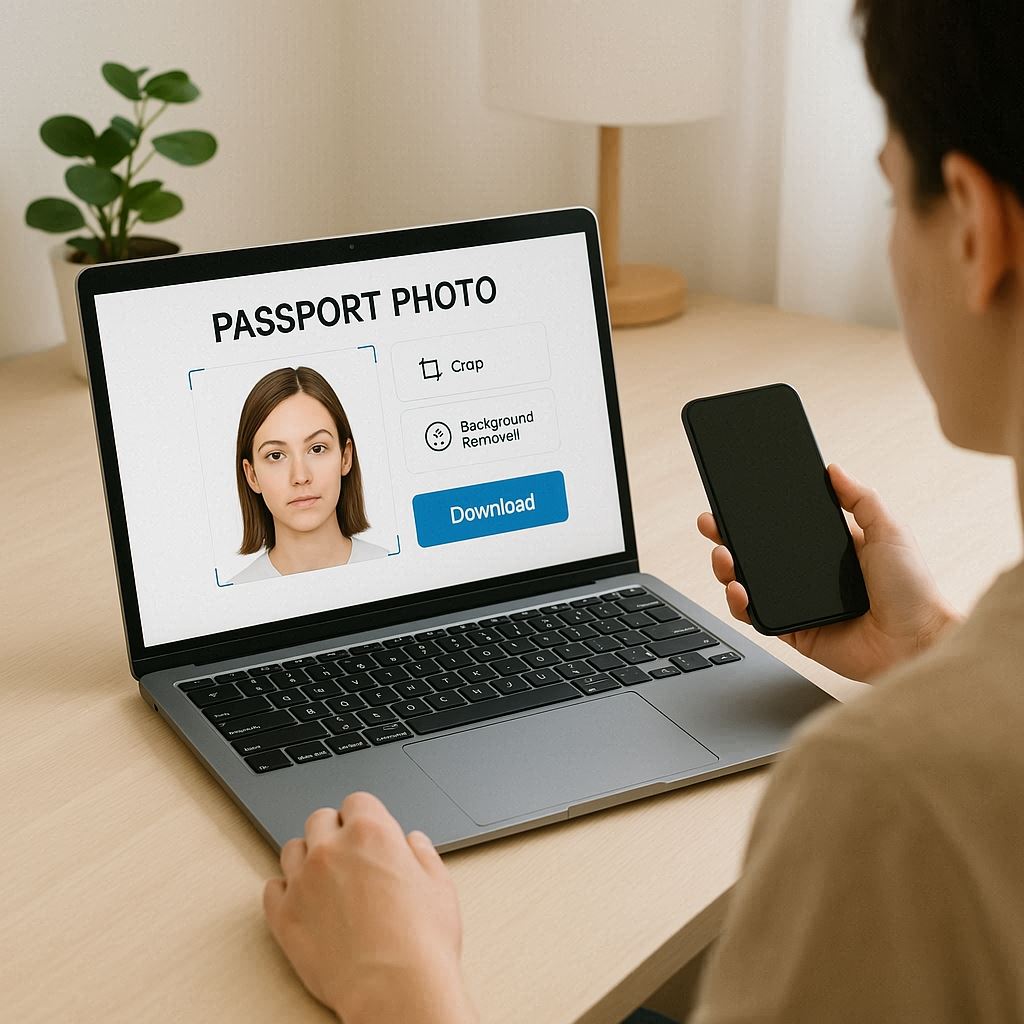
Making passport-size images at home has many benefits:
- Free to use
- Quick and easy
- No need for expensive equipment
- Can download and print at home or nearby photo shop
All you need is a good photo of your face (taken on your mobile), and you can start editing.
Top 3 Free Websites to Make Passport Size Photos
1. IDPhoto4You (www.idphoto4you.com)
IDPhoto4You is one of the most popular websites for making passport-size photos online. It supports different country formats, and you can choose from many document types like passport, visa, ID card, etc.
Key Features:
- Free to use
- Choose photo size by country and document type
- Simple photo upload
- Auto background removal
- Adjust brightness and contrast
- Download the final photo in high quality
How to Use:
- Go to www.idphoto4you.com
- Select your country and document type
- Upload your photo
- Crop your image as required
- Adjust settings and download
This website also gives you a printable format with multiple copies of the photo.
2. Make Passport size Photos (www.makepassportphoto.com)
MakePassportPhoto.com is another great tool to create passport images quickly. It is perfect for beginners who want a simple interface.
Key Features:
- 100% free
- Easy-to-use design
- Background editing tools
- Multiple passport size formats
- Printable sheet download
How to Use:
- Visit www.makepassportphoto.com
- Choose photo size or country format
- Upload a clear image
- Adjust the crop and background
- Download photo or print-ready page
You can save the image to your phone or send it directly to a printing shop.
3. Passport Photo Online (www.passport-photo.online)
Passport Photo Online offers a smart way to generate passport-size images with AI tools. While it also has paid options, its free features are useful for basic needs.
Key Features:
- AI-powered background remover
- Face alignment detection
- Free preview and download option
- Works on mobile and desktop
- Accepts various document sizes
How to Use:
- Open www.passport-photo.online
- Upload your photo
- The AI will auto-crop and adjust the image
- Check the preview
- Download your photo for free
This website gives very professional-looking results.
Tips for Taking Good Passport Size Photos at Home
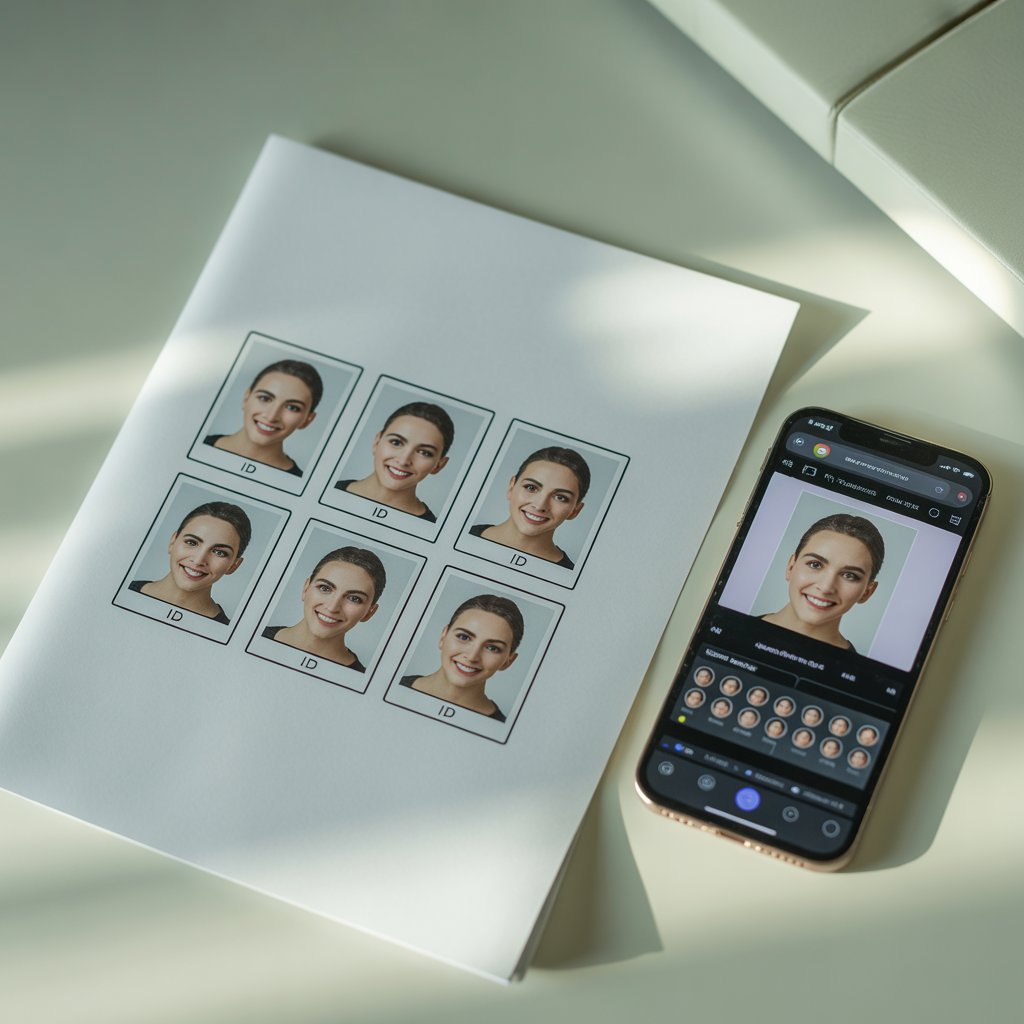
To get a perfect passport-size photo, follow these simple tips:
- Use a plain white or light background
- Take the photo in bright natural light
- Look straight at the camera
- Keep your face visible (no cap, no sunglasses)
- Don’t smile or make expressions
- Use a mobile or digital camera for good quality
Once you have your photo, use any of the above websites to convert it into a passport-size image.
Benefits of Using Online Passport Size Photos Tools
- No need to go outside or visit a studio
- Saves time and money
- Easy to create multiple copies
- Ready for printing at home or shop
- Tools are mobile-friendly and fast
Conclusion
Making passport-size photos is no longer a problem. With the help of free websites like IDPhoto4You, Make Passport Photo, and Passport Photo Online, you can easily create official photos at home without spending money.
These websites are safe, easy, and fast. You can edit, download, and print passport-size photos for any use—school, college, job, travel, or ID cards.
Next time you need a passport photo, don’t worry. Just open one of these tools, and your photo will be ready in minutes!
FAQs
Q1. Can I use these websites for visa or ID card photos?
Yes, all these websites support multiple formats for passports, visas, and ID cards. Just choose the right document type before editing.
Q2. Is background removal free on these tools?
Yes, some websites like Passport Photo Online and IDPhoto4You offer free background removal. Others may need manual adjustment.
Q3. Can I print Passport Size Photos at home?
Yes, after downloading the image, you can print it at home using photo paper. Or you can save the file and print it at a nearby photo shop.

Expert tech creator and best photo and video editor since 2018.
Capcut pro