
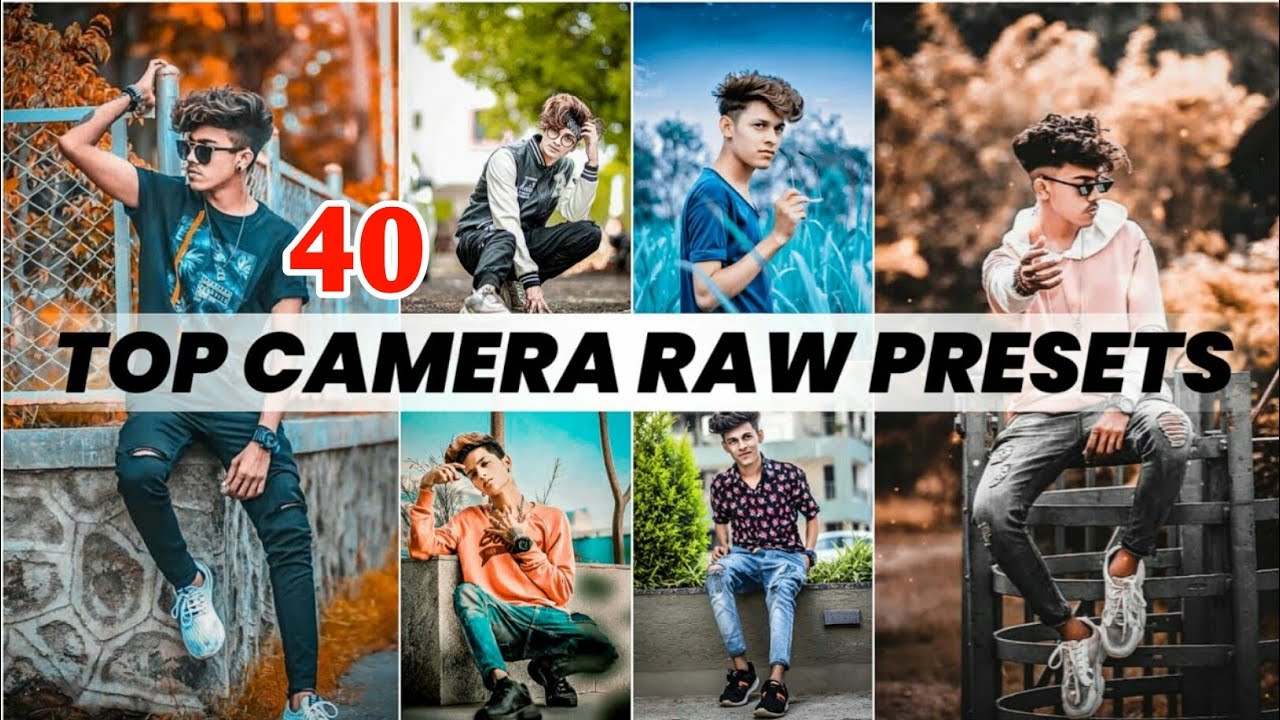
In today’s fast digital world, everyone wants their photos to look beautiful and professional. Whether you are a photographer, influencer, or content creator, photo editing is now an important part of your daily work. One of the best ways to edit photos easily is by using Camera Raw Presets.
In this article, we will tell you:
- What are Camera Raw Presets?
- How to use Camera Raw Presets?
- Where to download the top 40 best Camera Raw Presets for free in 2025
- Why presets save your time and improve your photo quality
Let’s start with the basics!
📷 What Are Camera Raw Presets?
Camera Raw Presets are ready-made editing filters that you can apply to your photos with just one click. These presets are used in Adobe Camera Raw (ACR), which is a tool inside Adobe Photoshop.
Instead of editing every photo manually, you can use a preset to quickly change the:
- Colors
- Brightness
- Contrast
- Tone
- Shadows
- Highlights
Presets help you make your pictures look modern, cinematic, vintage, or natural in just seconds. They are perfect for beginners who don’t know advanced editing and also save time for professionals.
💡 Why Use Camera Raw Presets?
Here are some simple reasons why you should use Camera Raw Presets:
- Easy to Use: You don’t need expert skills.
- Time Saving: One click = beautiful result.
- Consistent Look: All your photos will look similar in tone and style.
- Perfect for Social Media: Eye-catching colors for Instagram, YouTube, Facebook.
- High Quality: These presets work with RAW files for better editing.
🔧 How to Use Camera Raw Presets?
Using Camera Raw Presets is very simple. Follow these easy steps:
✅ Step 1: Open Adobe Photoshop
Make sure you have Adobe Photoshop installed with Camera Raw plugin. You can open RAW photos directly or open a JPG and go to Filter > Camera Raw Filter.
✅ Step 2: Download Presets
Download your .XMP presets (we will give you top 40 for free). Save them to a folder on your PC.
✅ Step 3: Install Presets
- Open any photo in Camera Raw.
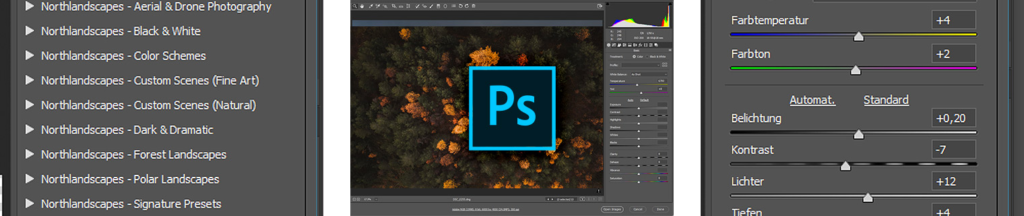
- Click on the Presets icon (on the right panel).
- Click on three dots (•••) or “Import Presets”.
- Select the .XMP files from your folder and import them.
✅ Step 4: Apply Presets
Now you will see the imported presets in your Presets panel. Click on any one, and your photo will be edited instantly.
You can still adjust the settings like exposure or color after applying the preset.
🎁 Top 40 Best Camera Raw Presets Free Download (2025)
Here’s a list of popular types of presets you can find in our free 2025 pack:
- Moody Tones
- Clean Portrait
- Golden Hour
- Urban Street Look
- Dark & Cinematic
- Soft Skin Glow
- Warm Film Look
- Natural Tones
- High Contrast B&W
- Vibrant Travel
These presets are great for:
- Wedding photos
- Fashion shoots
- YouTube thumbnails
- Instagram Reels
- TikTok videos
- Product photos for online stores
💾 You can download the full Top 40 Camera Raw Presets Pack (XMP format) absolutely free from SarkarEditz.com. No password, no ads—just direct download.
🌟 Tips for Best Results
Use matching presets for the same project to keep your work professional.
Always use high-quality RAW images for better results.
Apply preset, then make small changes to match your photo.
Don’t over-edit; keep skin tones and colors natural.
🧾 Conclusion
If you want to improve your photo editing in 2025, start using Camera Raw Presets. They are easy, fast, and perfect for making your photos look professional without hard work.
For people in Pakistan and India, who want to grow on social media or start photo editing professionally, this is a golden chance to upgrade your work with free tools.
So, download the Top 40 Best Camera Raw Presets 2025 and give your photos a new life!
❓FAQs
Q1: Can I use Camera Raw Presets on JPG photos?
Yes, you can apply Camera Raw Presets on JPGs using the Camera Raw Filter in Photoshop, but RAW photos give better results.
Q2: Do I need Photoshop to use these presets?
Yes, these presets work inside Adobe Camera Raw, which is a part of Adobe Photoshop.
Q3: Are these presets free for commercial use?
Yes, all presets provided in this pack are free and can be used for personal or commercial projects.