
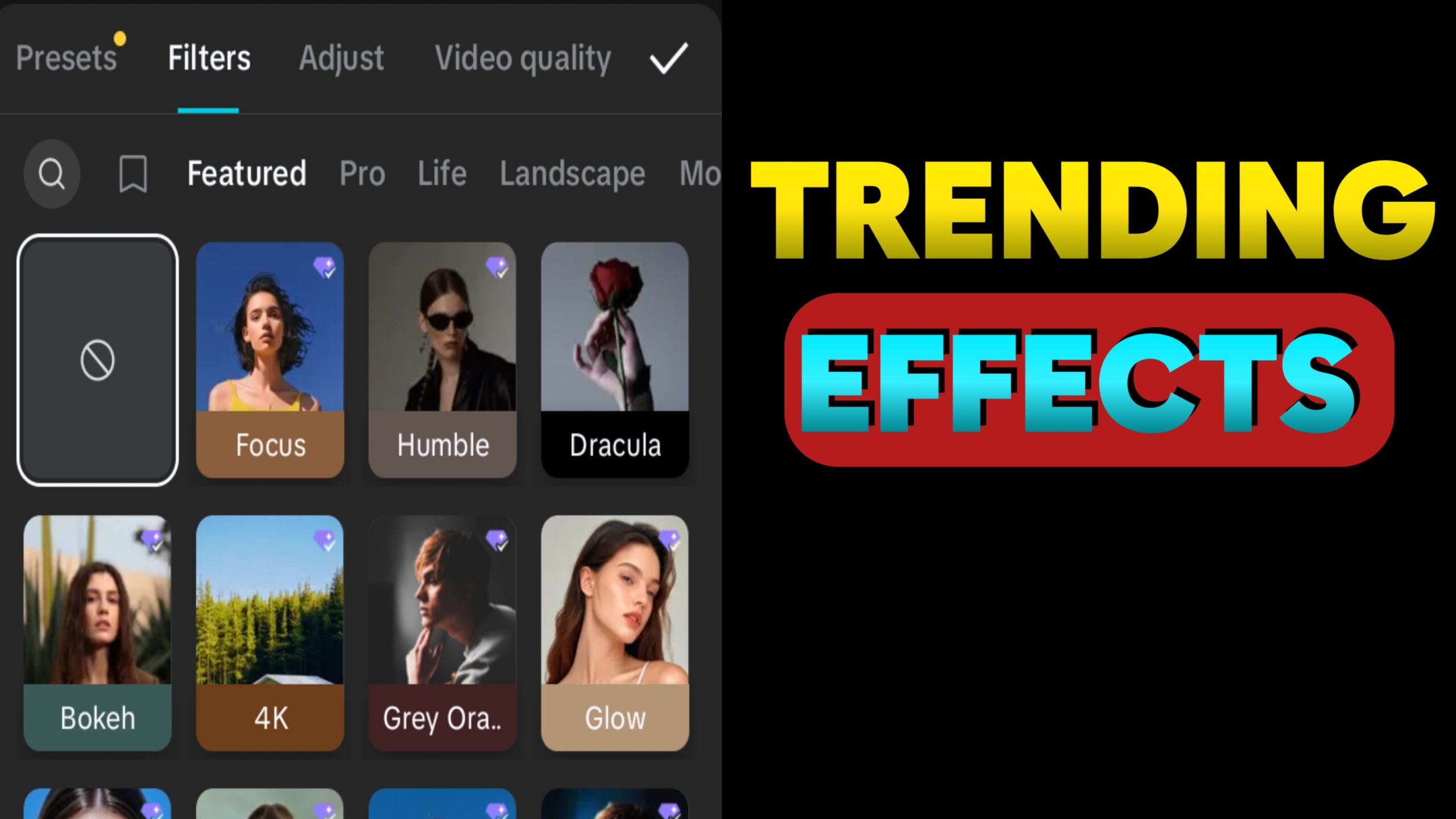
In 2025, CapCut has become one of the most popular video editing apps for TikTokers, YouTubers, Instagram creators, and short video editors. Whether you are editing reels, vlogs, or status videos, CapCut makes it easy with its powerful effects and filters.
But with so many options, it can be confusing to choose the best ones. In this article, we’ll explain what CapCut is, how to find trending filters, and share the best CapCut effects and filters that are trending in 2025. These are perfect for users in Pakistan and India who want their videos to look stylish and viral-ready.
What is CapCut?
CapCut is a free video editing app made by the creators of TikTok. It is available on Android, iPhone, and PC. CapCut helps you cut videos, add music, apply effects, use filters, and make professional edits—without needing a computer or advanced skills.
Many influencers and creators use CapCut because:
- It’s easy to use
- It has trending templates
- It supports 4K export
- It has free features not available in other apps
How to Find CapCut Trending Filters?
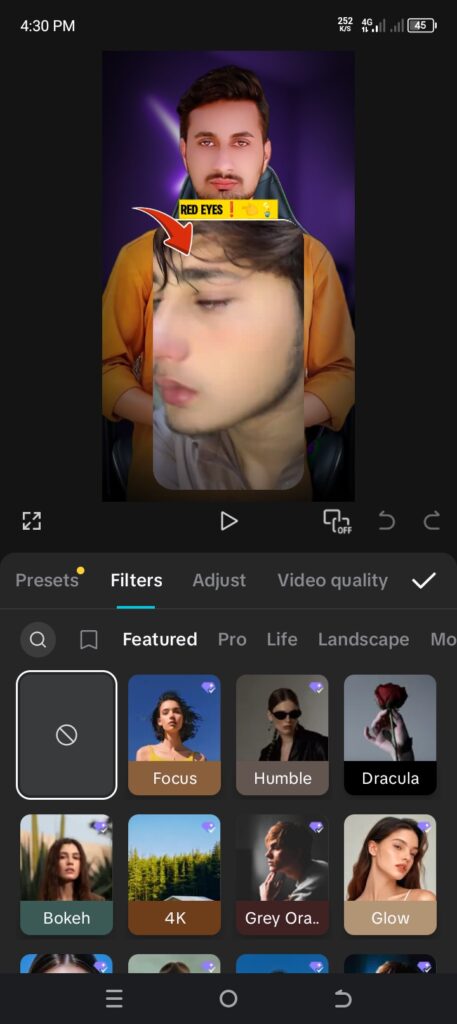
You can find trending filters and effects on CapCut in different ways:
- Use CapCut Templates
Open CapCut and search the “Templates” section. Most viral edits use trending filters built into the template. - Explore TikTok Hashtags
Search hashtags like #CapCutFilter, #CapCutTrend, or #CapCutTemplate on TikTok. People often mention which effect or filter they used. - Check CapCut’s Recommended Section
When you open the effects or filters tab in CapCut, you will see a “Trending” or “Recommended” section. These are the most-used filters right now. - Watch YouTube Tutorials
Many creators share the names of new trending effects and how to use them step-by-step.
Best Trending CapCut Effects and Filters in 2025
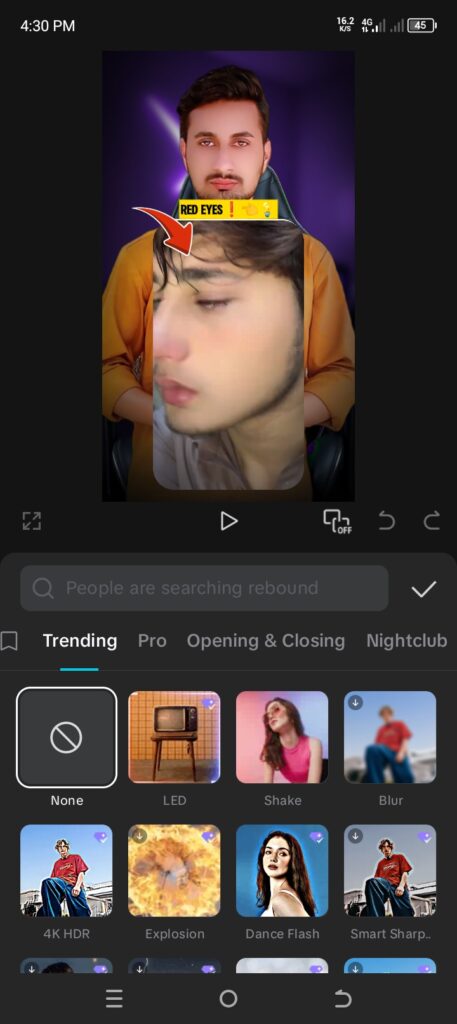
Here are the top filters and effects you should try this year:
1. Motion Blur Effect
This effect adds a fast blur when the subject moves. It makes your video look smooth and professional. Great for dance and transition videos.
2. 3D Zoom Pro
Still trending in 2025! This effect makes photos look 3D and animated. Perfect for photo-to-video reels and romantic edits.
3. Sparkle & Glitch Combo
This combo adds both glittering sparkles and glitch movements. It gives a cool aesthetic for fashion, gaming, or party clips.
4. Cinematic Filter (Teal & Orange)
A movie-style color filter that gives your video a professional look. Teal & orange tones are popular in travel and vlog videos.
5. Retro VHS Effect
This filter gives your video an old-school 90s vibe. It adds noise, tape lines, and vintage colors. Very popular among aesthetic editors.
6. Anime Glow Filter
This effect adds colorful glowing lines around your face or body. Very popular among anime lovers and TikTok creators in 2025.
7. Background Blur
Useful for portrait-style videos. It keeps the subject clear while blurring the background—great for food, product, and vlog videos.
8. CapCut AI Effects (Auto Cut, Face Enhance)
CapCut now includes AI-powered effects like auto-cut transitions and AI face enhancement, which smooths your skin and improves video quality automatically.
9. Slow Zoom + Flash
This trend is big in romantic reels. It slowly zooms on a face or object while adding light flashes. Often used with slow music.
10. Color Pop Filter
This filter makes one color stand out and turns the rest into black and white. Very popular for emotional and dramatic edits.
Conclusion
CapCut is the best free app for mobile video editing in 2025. With new trending effects and filters being added all the time, your content can look viral, modern, and eye-catching—without paying anything.
If you are a beginner, editor, influencer, or just making videos for fun, these top 10 CapCut effects and filters will help you get noticed on TikTok, YouTube Shorts, and Instagram Reels.
FAQs
Q1. Is CapCut free to use in Pakistan and India?
Yes, CapCut is 100% free and available in both countries. Some extra features are paid (CapCut Pro), but basic editing is free.
Q2. Can I use CapCut effects without a TikTok account?
Yes! You don’t need TikTok to use CapCut. It works as a separate app.
Q3. How do I know which CapCut filter is trending?
Check the “Trending” tab in CapCut, explore TikTok and YouTube videos, or use CapCut templates to find the latest filters.

Expert tech creator and best photo and video editor since 2018.
Gh